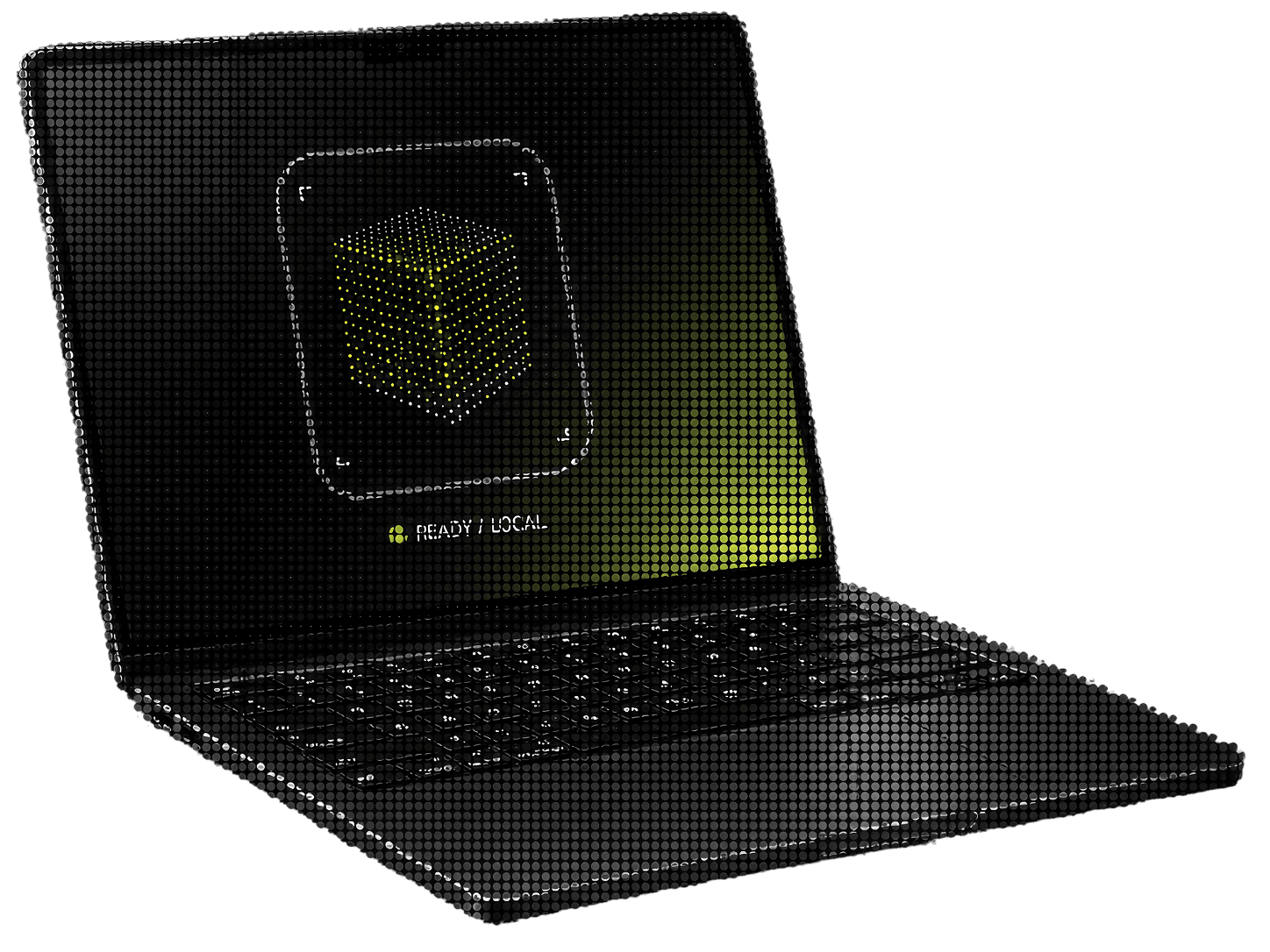
Introducing Ora Frontier: Local AI Built for Your Hardware

Marcel Slowikowski
Founder & CEO
AI has become easy to access and difficult to own.
Most capable AI products run somewhere else. A prompt leaves your computer, travels to a remote data center, and returns with an answer. That model has made powerful systems available to millions of people, but it has also made cloud infrastructure the default place where source code, files, research, business documents, and personal ideas are processed.
We think personal hardware deserves a larger role.
A capable laptop, desktop, or workstation should be able to run useful AI models close to the person using them. The software should understand the machine, recommend a supported model, install the correct package, and run it without forcing the user through conversion scripts, Python environments, backend flags, dependency problems, and manual memory settings.
That is what we are building at Ora Frontier.
Ora Frontier is a local AI platform that compiles, packages, and runs supported models on personal hardware and private computing environments. The product family includes Ora Core for individuals, Ora CLI for developers, and Ora Fleet for organizations managing local AI across multiple systems.
Supported models are prepared for defined hardware profiles, distributed as Ora model packs, and served through a consistent local runtime.
1. Why local AI needs a better product
Local AI is moving from a technical hobby into a practical computing category. Consumer GPUs, Apple silicon, higher memory configurations, and better open models now make useful local inference possible on hardware that people already own.
The product experience has not caught up.
Someone trying to run a local LLM still has to answer a long list of questions:
Will the model fit in GPU memory, unified memory, or system memory?
Which model format should be downloaded?
Which quantization level is appropriate?
Which runtime supports the operating system and accelerator?
How much context can the machine handle before memory use spikes?
Which settings improve performance without damaging output quality?
Will the same setup continue working after a driver or model update?
The model file is only one part of the system. Real performance depends on the architecture, weight format, precision, tokenizer, kernels, runtime, cache policy, drivers, operating system, available memory, and the hardware itself.
This creates a strange market. The underlying technology is improving quickly, but using it still feels like assembling infrastructure.
Ora Frontier is being built around a simple opinion: people should choose what they want to do, not spend an afternoon choosing backends and memory flags.
Local AI also has honest limits. A personal computer has finite memory, power, bandwidth, storage, and cooling. A system that performs well on a high-memory NVIDIA GPU may require a different package on Apple silicon. A smaller laptop may only support compact models. Large shared workloads will often remain better suited to cloud infrastructure.
We are not trying to hide those limits. We want the product to understand them and make a good recommendation before the user downloads anything.
2. What Ora Frontier is building
Ora Frontier sits between supported AI models and the machines people use every day.
The platform has four main layers:
Model intake and evaluation
Hardware-aware compilation and packaging
A consistent local inference runtime
Products for individuals, developers, and organizations
Our compiler and model preparation pipeline are operated by Ora Frontier. At launch, users will not upload arbitrary models or run the compiler themselves. They will choose from a selected catalog of Ora model packs that have been reviewed for licensing, compatibility, quality, stability, and hardware requirements.
That restriction is deliberate.
Supporting every model would give us a large compatibility page and a weak product. We would rather support a smaller number of models well, state exactly what hardware they require, and expand the catalog as each configuration passes our tests.
An Ora model pack is a versioned product artifact prepared for a defined class of hardware. A pack can include:
The compiled or prepared model representation
Runtime configuration
Tokenizer and metadata
Hardware requirements
Quality and compatibility information
Version and update data
Applicable third-party model license details
This turns a model from a loose collection of files into something that can be installed, updated, removed, tested, and supported.
3. The Ora Frontier product family
Ora Core is the local AI workspace for personal computers. It is designed for people who want capable local models without maintaining the inference stack themselves.
Core will inspect the machine, show which supported model profiles can run, install the selected Ora model pack, and provide a workspace for local conversations, documents, code, tools, and agent workflows.
Typical uses include:
Working with local documents
Drafting and research
Coding assistance on local projects
Private knowledge work
Study and technical learning
Local agents using approved tools
Ora CLI gives developers direct control over the same runtime. It is intended for inspecting hardware, installing model packs, starting local models, calling them from scripts, managing endpoints, and reading runtime health information.
Core and CLI are two interfaces over the same system. A developer should be able to install a supported model once, use it inside Core, call it from the terminal, and connect it to local software without setting up a second inference environment.
Ora Fleet is the planned organizational layer. It will help teams manage approved models, runtime versions, devices, access policies, deployment health, audit events, and controlled updates across systems the organization owns.
Fleet is meant for organizations that want local or private AI without asking every employee to become an inference engineer.
The free compatibility experience sits in front of all three products. Before downloading a large model pack, users should be able to see:
Whether their operating system is supported
Which accelerator is available
How much GPU, unified, or system memory is usable
How much storage is required
Which model profiles qualify
Why a larger profile may not be available
4. How Ora Frontier works
The user experience is simple because most of the difficult work happens before the model reaches the user.
1. Select a supported model. We begin with a specific version and review its architecture, tokenizer, dependencies, intended use, distribution terms, license, and known deployment constraints. Ora Frontier does not own third-party open models, and their license terms continue to apply.
2. Establish a reference profile. We measure the original model before changing it. The baseline covers output quality, memory use, context behavior, stability, and inference performance. A smaller artifact has little value if it becomes unreliable for the work it is supposed to do.
3. Prepare it for target hardware. The compiler determines how the model should be represented and served for a defined hardware class. Depending on the architecture, this can involve precision choices, graph changes, operator selection, weight packing, memory layout, cache policy, CPU and GPU placement, scheduling, and packaging.
4. Validate the result. Every release must pass tests for memory use, startup behavior, time to first token, generation speed, context handling, output quality, repeated-run stability, and hardware compatibility.
5. Publish a versioned model pack. Approved builds are released with clear hardware requirements, model information, runtime compatibility, license details, and release notes.
6. Match the pack to the machine. Ora Core or Ora CLI checks the local system and recommends compatible profiles. A machine with more memory may qualify for a larger model or longer context. A smaller machine receives a more conservative recommendation.
7. Run through the Ora runtime. The runtime handles loading, memory movement, cache behavior, generation, and the local interface used by Core, CLI, and Fleet.
The user sees a supported model that installs and runs. The compiler, validation process, model packaging, and hardware matching make that experience possible.
5. Compilation, hardware, and privacy
Quantization is useful, but it does not solve the entire local deployment problem.
Quantization reduces the precision used to represent model weights or activations. Moving from higher-precision values to 8-bit or 4-bit representations can reduce memory requirements and make a model easier to run. It can also affect output quality, performance, and compatibility.
A compiler can make a broader set of decisions:
How the model graph is changed
Which operations are fused or replaced
Which precision is used in different parts of the model
How weights are packed
Which kernels run on the available accelerator
How work is divided between GPU memory and system memory
How the key-value cache is managed
How the final artifact is packaged and versioned
Ora Frontier will use the appropriate combination of techniques for each supported model and hardware profile. We do not treat one quantization format as the full product.
Privacy also needs precise language.
Our design target is that, once a model pack is installed, core inference in Ora Core and Ora CLI runs on the user's supported hardware. Prompts and selected local files used by that workflow should remain on the device unless the user activates a feature that clearly requires an online service.
Some functions will still require a connection:
Account creation and authentication
Subscription checks
Model pack downloads
Product and model updates
Support and optional diagnostics
Optional remote access to a local agent
Team management and selected Fleet controls
We will document the data path for each feature. We will not describe every part of the product as fully offline or fully private when the exact behavior depends on configuration.
Cloud and local AI solve different problems. Ora Frontier gives personal hardware and private environments a stronger place in the stack.
6. Who Ora Frontier is for
Ora Frontier is for people who want local AI to feel like a product rather than a research project.
Individuals and power users can use Ora Core for private documents, research, writing, study, coding, and personal agent workflows.
Developers can use Ora CLI when they need a stable local endpoint, repeatable model installation, clear compatibility, and a supported path from the terminal into their own software.
Teams with sensitive data can use Fleet to keep selected workloads closer to source code, internal documents, research, policies, or operational systems they control.
People with capable hardware can put machines with modern GPUs or high-memory unified systems to work instead of paying for every generation through a remote API.
Users with limited connectivity can continue core local inference after the required software and model pack are installed.
Cloud AI will still be the better choice for many workloads. Large closed models, massive concurrency, specialized server hardware, extreme context lengths, and workloads beyond the memory or cooling limits of personal hardware belong in shared infrastructure.
The future will probably use both. Our goal is to make local hardware a serious option inside that mix.
7. How access and technical reporting will work
The initial plans are organized around capability.
Free will provide the compatibility checker. Users can inspect their hardware and see which Ora model profiles can run before committing to a download or subscription.
Personal will include Ora Core, Ora CLI, the standard supported model catalog, local workspaces, and model pack updates.
Pro will include Core and CLI, then add larger supported models and advanced workspace features where the user's hardware qualifies. Planned features include background runs, deeper integrations, advanced local agents, and secure remote access to selected local workflows.
Fleet will be packaged for organizations based on device count, deployment environment, support requirements, and management controls.
Across these plans, users receive access to Ora-provided model packs. Arbitrary model imports and personal model compression are outside the initial consumer product.
We also want technical reporting to be useful rather than theatrical. Published benchmark results should identify:
The exact model and version
Hardware configuration
Operating system and driver version
Ora runtime version
Context length and workload
Time to first token
Output speed
Peak GPU and system memory
Storage footprint
Quality evaluation method
Test date and known limitations
Targets, prototype measurements, and released product results will be labeled separately. A research result is not a product guarantee.
8. What comes next
Ora Frontier is currently focused on three jobs.
Prove the compiler and runtime on selected models. We are testing supported architectures, hardware profiles, memory behavior, quality retention, runtime stability, and packaging. The first public model catalog will be intentionally small.
Open the compatibility experience. Before asking people to install Core, we want to show them what their computer can support and explain the recommendation clearly.
Bring early users into Core and CLI. Early access will focus on developers, power users, researchers, privacy-sensitive professionals, and organizations with real local AI workloads.
Consumer hardware is messy. Driver versions, thermal limits, memory configurations, and background applications all affect the experience. The product will improve through measured use on actual machines, not only clean lab systems.
About the author
Marcel Slowikowski
Founder & CEO
Marcel Slowikowski is the Founder and CEO of Ora Frontier, where he is building technology that makes powerful AI models faster, more efficient, and accessible on personal hardware. He writes about artificial intelligence, infrastructure, startups, and the future of local computing.